

A grow tent hygrometer is the cheapest piece of gear that tells you whether everything else is working. It measures temperature and relative humidity (RH), and the better ones also log highs and lows, show VPD and send alerts when the exhaust fan quits at 2 AM. This guide explains what to look for, compares three VIVOSUN monitors by their listed specs, and shows where to place the sensor so the numbers mean something.
What a Grow Tent Hygrometer Should Do
- Read temperature and humidity together. Relative humidity depends on temperature, so one number without the other is half the story.
- Remember highs and lows. Most climate problems happen when you aren’t looking, often right after lights-off. A min/max memory or a data log catches them.
- Use a remote probe or an app. Opening the tent to read a screen changes the reading. A probe on a cable, or Bluetooth or Wi-Fi, lets you check from outside.
- State its accuracy. A listed tolerance such as ±5% RH tells you how much to trust a reading. If no accuracy is listed, assume it could be off by more.
- Show VPD (optional). Vapor pressure deficit combines temperature and humidity into one number. It’s useful, but it’s only as good as the sensor feeding it.
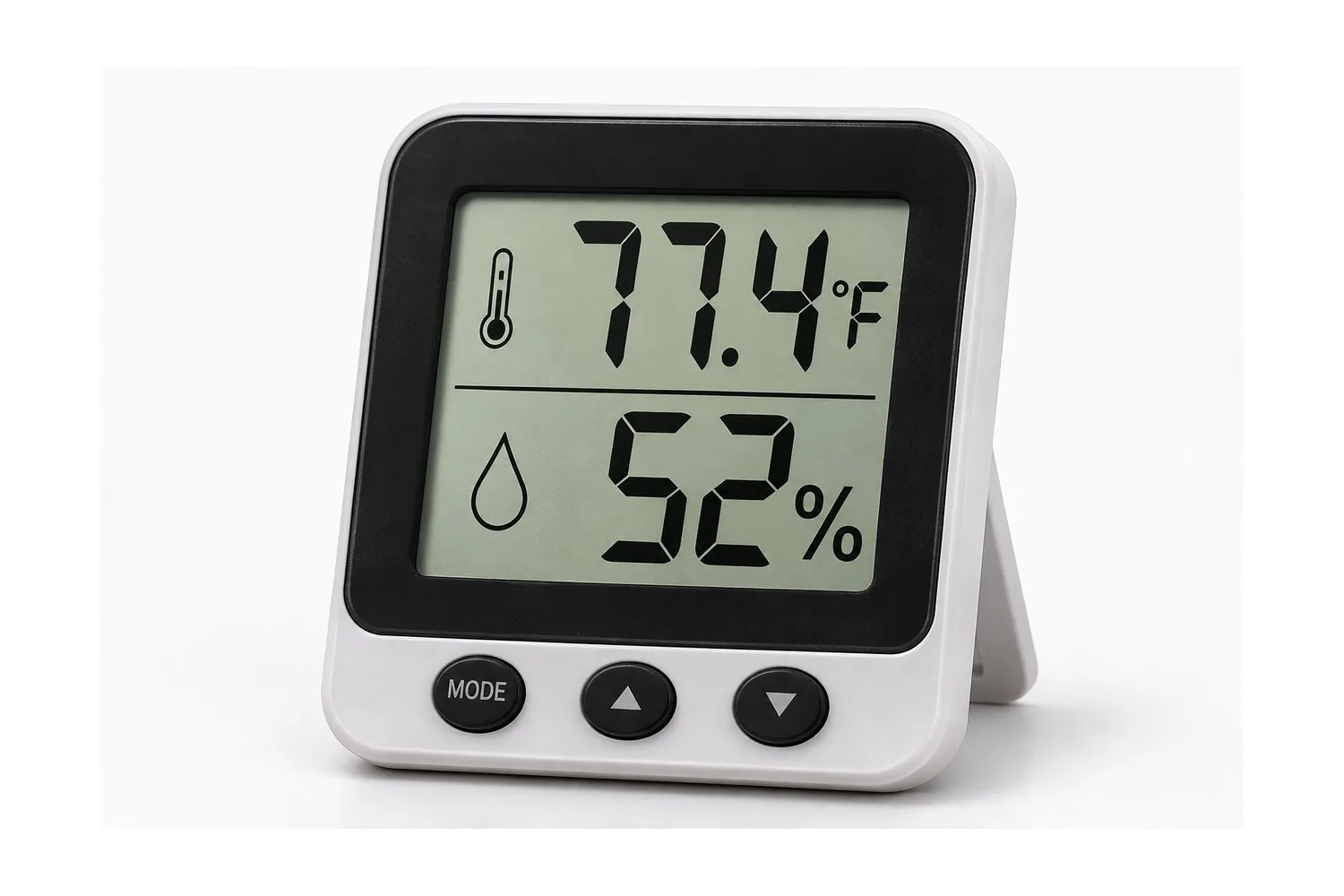
Best Grow Tent Hygrometer Options From VIVOSUN
VIVOSUN sells three climate monitors in its thermometer and hygrometer range. Specs below are from VIVOSUN’s product pages, checked in November 2026. We haven’t bench-tested them, so treat the accuracy figures as the maker’s ratings. Prices change often, so check VIVOSUN’s site.
| AeroLab THB1S | 4-in-1 Sensor (VSE-CO2S4) | VPD Thermometer (VSE-VT001) | |
|---|---|---|---|
| Type | Bluetooth hygrometer with screen | Plug-in sensor for a GrowHub E42A+ | Handheld infrared thermometer |
| Measures | Temperature, humidity, VPD | Temperature, humidity, CO₂, light on/off, VPD | Surface (leaf) temperature, air and leaf VPD, humidity |
| Listed accuracy | ±0.9°F, ±5% RH | ±0.8°C, ±6% RH; CO₂ ±(50 ppm + 5%) | Not listed for humidity |
| Probe or range | External probe on a 12 ft cable (dual channel) | 118 in cable | 12:1 distance-to-spot ratio, 13-point laser |
| Data | App, high/low records, 2 years of free data storage | Through the GrowHub app | Stores the last 5 readings |
| Power | 3 x AAA (included) | From the controller | 2 x AAA (included) |
| Works with | GrowHub A10/A22S/E42A/E25 for alerts | GrowHub E42A+ only (not the E42) | Standalone |
See VIVOSUN thermometers and hygrometers →
AeroLab THB1S: the everyday pick
For most tents this is the one to start with. It has a screen you can read through the tent window, a 12 ft external probe so the sensor sits at the canopy while the display stays outside, and Bluetooth logging in the VIVOSUN app. VIVOSUN lists ±5% RH, so a reading of 55% could really be anywhere from about 50% to 60%. That’s normal for budget hygrometers. Watch the trend, and check it against a second meter or a salt test (below).
4-in-1 Sensor: if you already run a GrowHub E42A+
This sensor plugs into VIVOSUN’s GrowHub E42A+ controller and adds CO₂ and a light on/off reading to temperature and humidity. Its value is automation: the controller can speed up fans when readings climb. VIVOSUN notes it is not compatible with the older E42. It has no screen of its own, so it only makes sense with the controller.
VPD Thermometer: for checking leaf temperature
This handheld infrared gun reads surface temperature, so you can measure actual leaf temperature instead of assuming it. That’s the missing piece for a true leaf VPD. It’s a spot-check tool, not a 24-hour monitor, and it works alongside a hygrometer rather than replacing one. It uses a laser for aiming, so never point it at anyone’s eyes.
Hollywood’s tip: Buy a cheap second hygrometer and set it next to your main one for a day. If they disagree by more than a few percent, you’ve learned how much to trust either of them.
Where to Put the Hygrometer in a Grow Tent
- At canopy height, where the leaves are, not on the floor or up by the light. Move it up as plants grow.
- In the shade. Direct LED light warms the sensor and makes temperature read high.
- Away from airflow extremes: not right in front of a clip fan, the exhaust intake or a humidifier’s mist.
- Display outside the tent if it has a probe, so you can check without opening the door.
Then use the readings. Target ranges by stage are in our ventilation and VPD guide. Cold nights? See how to keep a grow tent warm.
How to Check a Hygrometer’s Accuracy: the Salt Test
A sealed container with a damp, saturated mix of table salt and water holds the air at about 75% relative humidity at room temperature. That makes it a simple reference point:
- Put a few spoonfuls of table salt in a small cup and add just enough water to make a damp paste, not a solution.
- Place the cup and the hygrometer (or its probe) in a zip-top bag or airtight container. Don’t let them touch.
- Seal it and leave it at a steady room temperature for several hours.
- Read the hygrometer. The difference from 75% is roughly how far off it reads, so adjust your readings in your head or recalibrate if the model allows it.
The salt test checks one point only. It’s a good sanity check, not a lab calibration.
Do You Need More Than One Hygrometer?
One good monitor is enough to start. A second, cheaper one helps if you want to compare the tent with the room it pulls air from, or to check a drying space later. The THB1S also supports dual-channel monitoring through its external probe, which VIVOSUN describes on its product page.
Building out the rest of your monitoring and climate gear? Start with the what-to-buy-first checklist and see grow tent sizes if you’re still choosing a tent.
Frequently Asked Questions
What humidity should a grow tent be?
It depends on the growth stage and temperature. Young plants usually like it more humid and flowering plants drier. Our ventilation and VPD guide and our humidity guide list common target ranges by stage.
How accurate are cheap hygrometers?
Many budget models are rated around ±3% to ±5% RH, and some list no accuracy at all. VIVOSUN lists ±5% RH for the AeroLab THB1S. Watch trends, and check a meter with the salt test or a second unit.
Where should I put a hygrometer in my grow tent?
At canopy height, shaded from the light, and away from the direct blast of fans, the exhaust intake or humidifier mist. A probe on a cable makes that easy.
Is VPD better than just watching humidity?
VPD combines temperature and humidity, so it gives a fuller picture of how quickly plants lose water. It depends on accurate temperature and humidity readings, and true leaf VPD needs leaf temperature, which an infrared thermometer can measure.
Why does my hygrometer read higher humidity at night?
Relative humidity rises as air cools, even if no extra water is added. That’s why the lights-off reading is the one to watch for mold risk.
Next: Grow Tent Ventilation and VPD · Cannabis Mold and Bud Rot · Back to the Complete Cannabis Grow Guide
Disclaimer: For adults 21+ and educational purposes only. Grow only where home cultivation is legal, and follow your state and local rules. We make no medical claims. Product details, prices and policies are set by the seller and can change, so check the seller’s page before you buy.